TIL: Show the application switcher on all screens
I have multiple monitors and I use the cmd + tab application switcher often. I find the current behavior of macOS pretty confusing. By default, it only shows the switcher on the most recently used screen. But that’s not the screen I’m looking at when switching to another application!
After getting confused a bunch of times, I found this setting which lets you show the switcher on all screens:
defaults write com.apple.dock appswitcher-all-displays -bool true
killall Dock # you need to restart the Dock for settings to take effect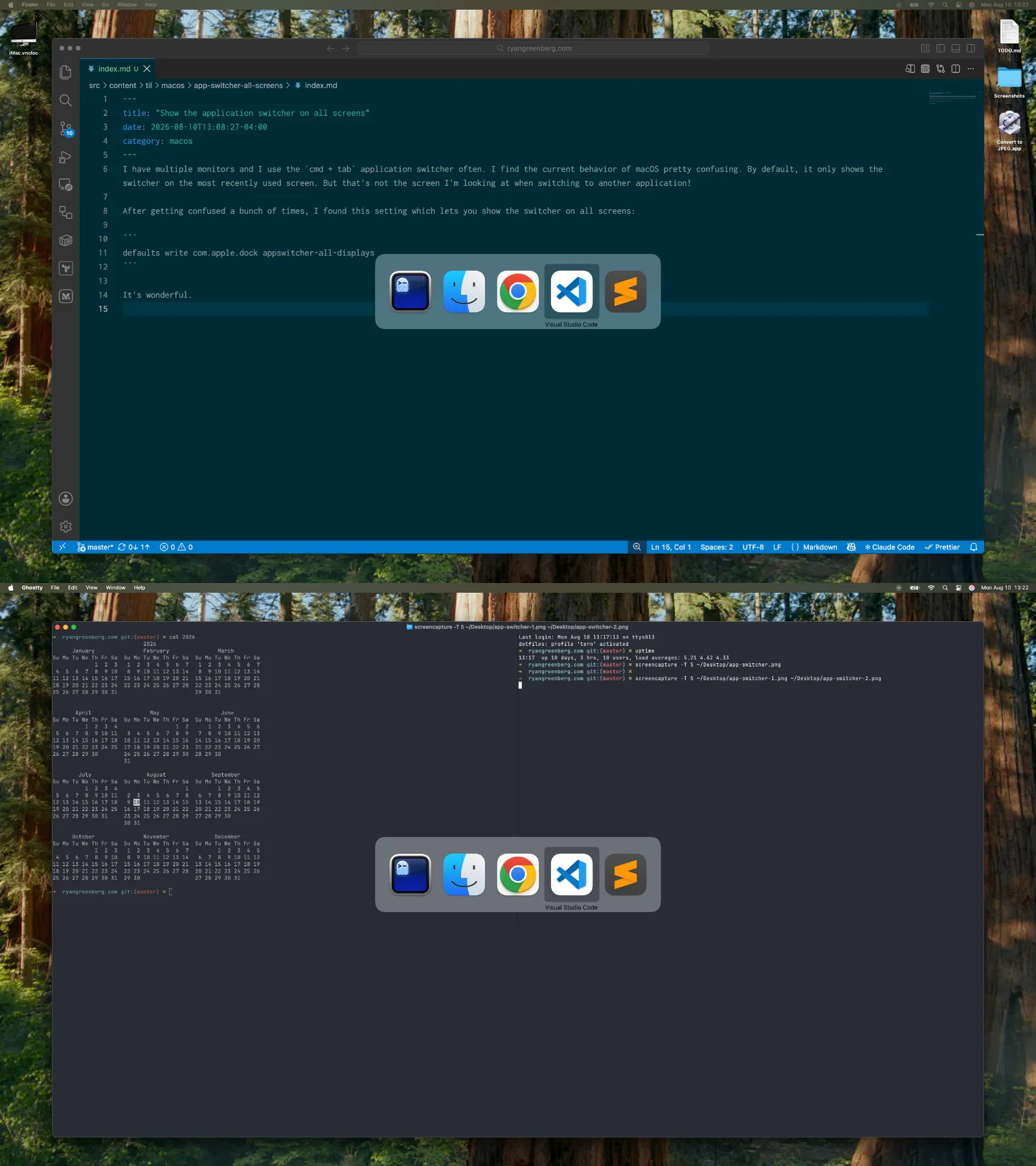
It’s wonderful.