TIL: badssl.com lets you test bad certificates
While working on Slack’s unfurl previews I needed to test what happens when the fetcher cannot access a site. People put a lot of different URLs into Slack; some of them are going to be unfetchable for various reasons. Pointing the fetcher at a URL that doesn’t resolve, or one that results in a timeout, is straightforward, but I don’t know enough to set up various bad SSL/TLS scenarios. Surely one of them is going to have a bad config at some point.
That’s when I found https://badssl.com. It’s a project from some security folks that provides tons of misconfigured sites for exactly this purpose. Want to see what happens with an expired cert? Go to https://expired.badssl.com. How about a cert that’s been revoked? That’s https://revoked.badssl.com/.
For example, this is how curl behaves when the certificate doesn’t match the domain name:
$ curl https://wrong.host.badssl.com/
curl: (60) SSL: no alternative certificate subject name matches target host name 'wrong.host.badssl.com'
More details here: https://curl.se/docs/sslcerts.html

curl failed to verify the legitimacy of the server and therefore could not
establish a secure connection to it. To learn more about this situation and
how to fix it, please visit the web page mentioned above.
This is what it looks like when you navigate to a site where the certificate has expired:
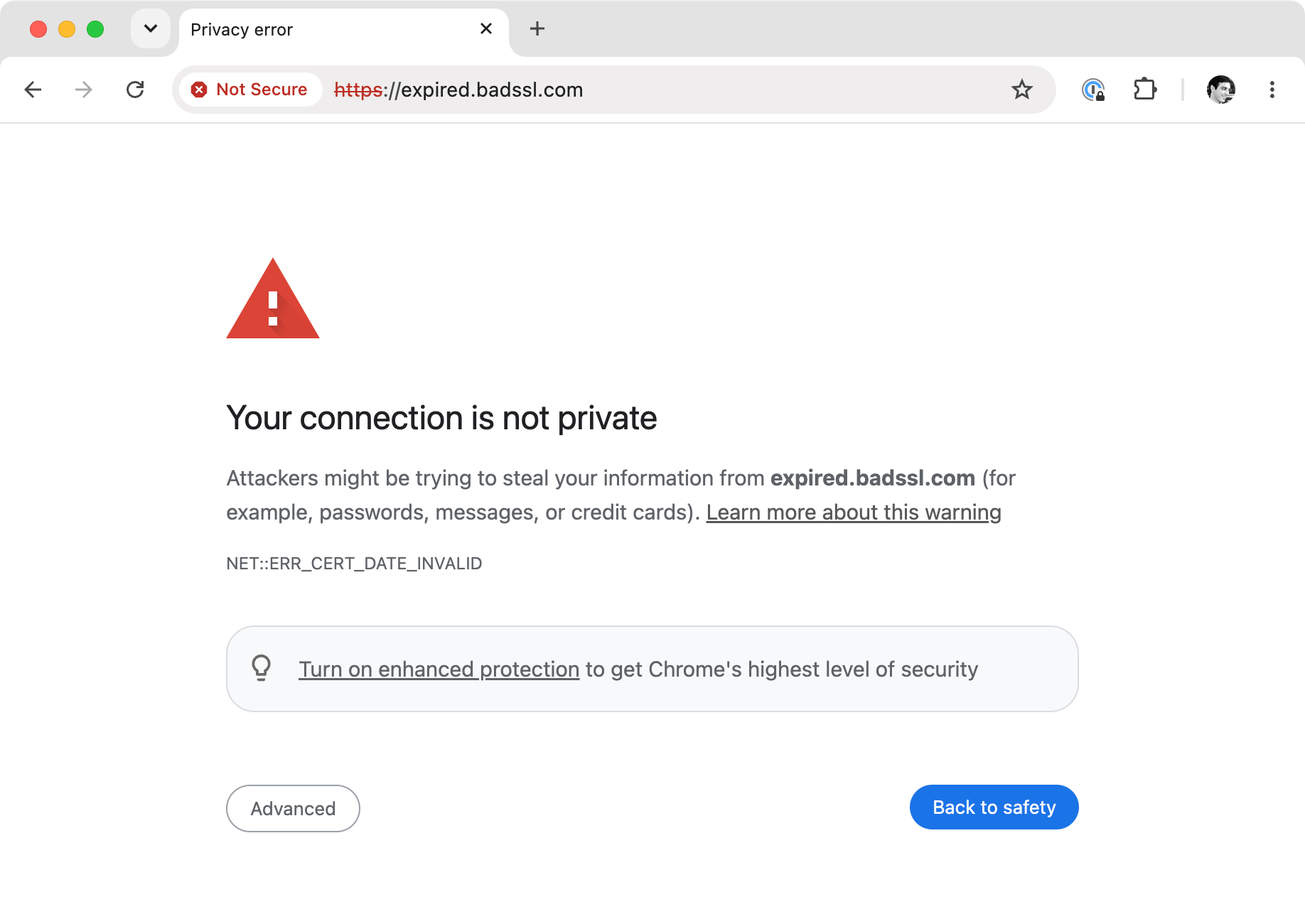
I love that badssl.com gives you a quick way to check these behaviors interactively. For example, curl https://tls-v1-1.badssl.com:1011 works fine; going to that URL in Chrome presents a warning (because TLS v1.1 is deprecated).
There are more than 70 subdomains in 13 categories so you can trigger mixed content warnings, HTTP form behaviors, HSTS, and more.