TIL: cmd + shift + G to Go To Folder
GUIs are great! But I’m used to typing cd, and sometimes I prefer that to clicking around to get somewhere.
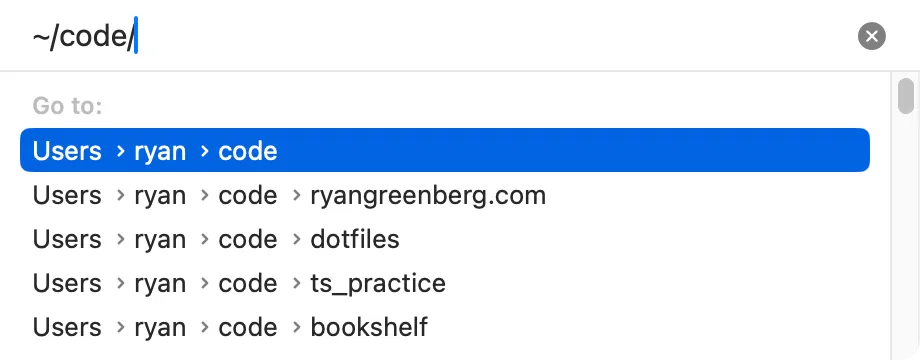
MacOS merges these worlds with cmd + shift + G. In the Finder it’s under Go → Go to Folder.... This opens a dialog where you can type a path to navigate to. It supports tab completion, it understands that ~ is your home directory, and it shows recently used options that you can navigate with your arrow keys.
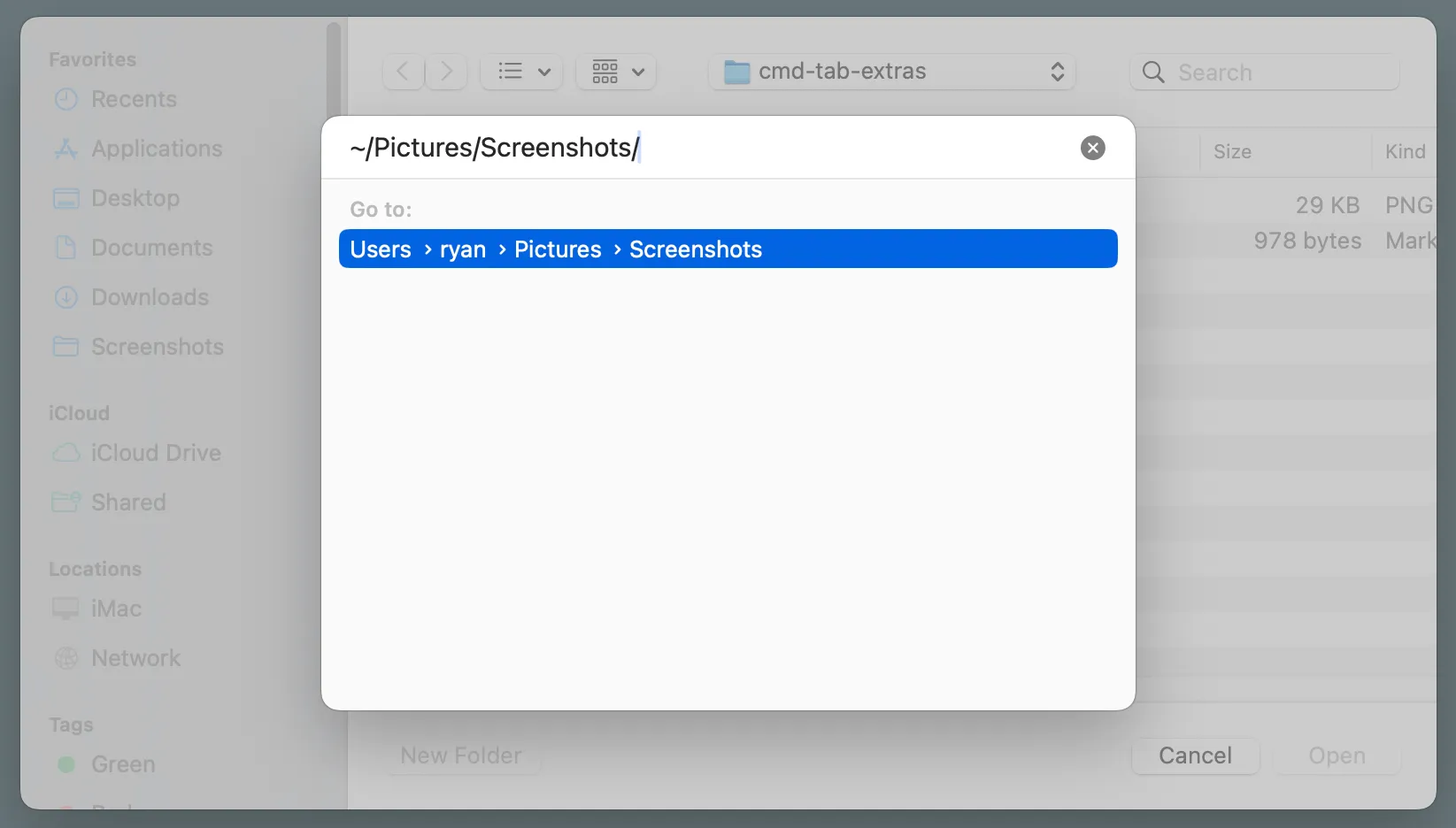
It also works in the open/save dialog boxes! This is more hidden; as far as I know there is no menu that shows “Go To Folder” so you just have to know the cmd + shift + G shortcut.
Now when I’m not navigating to the Desktop, Documents, or Downloads (which each have their own keyboard shortcuts), I often use cmd + shift + G to get there.