TIL: tee to see output and save it
What if you want to watch the output of a command and save it to a file? For a long time, when faced with this need I would run the command, redirect it to a file with >, and tail that file in another tab:
bundle exec rspec ... > output # save to file
tail -f output                 # view it on the screen
It turns out this is the reason tee exists. tee takes standard input (stdin) and writes it both to the given file and standard output (stdout). Instead do:
bundle exec rspec | tee output(Remember that stderr is not copied across pipes so if you want to write it to a file, you will need 2>&1 to redirect stderr to stdout: [command] 2>&1 | tee).
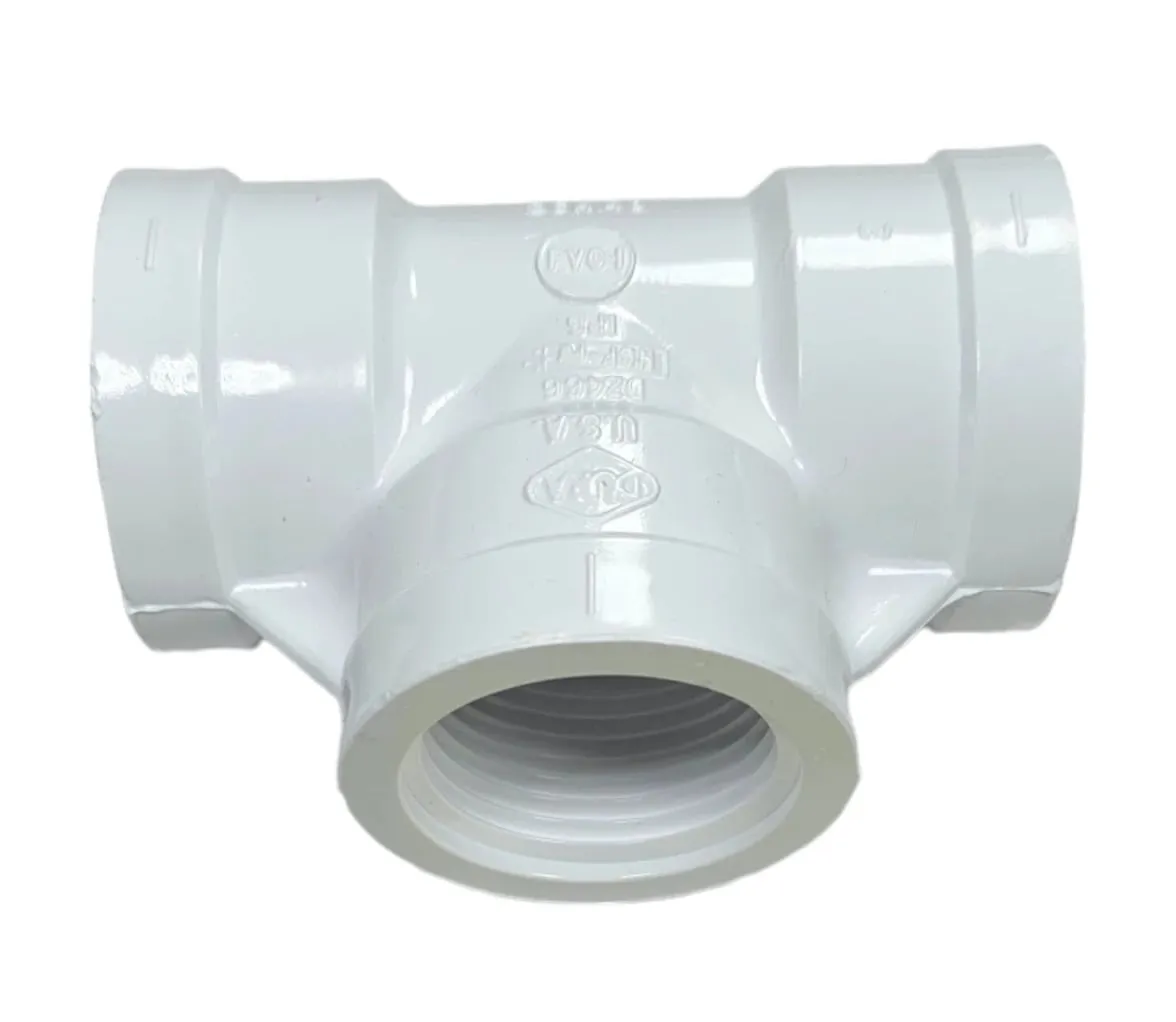
Bonus TIL: I didn’t really get why the command is called tee, but then I found out it’s a reference to a tool from plumbing of all places: the tee pipe fitting. A tee pipe fitting splits the flow of water or gas in a pipe (see Piping and plumbing fitting, “Tee”). By analogy, tee splits the flow of data between commands connected via pipes (|).
        ─────────────────────────
              ___ ____ ____
stdin ────▶    |  |___ |___   ────▶  stdout
               |  |___ |___
        ─────────┐     ┌─────────
                 │     │
                 │  │  │
                 │  │  │
                    ▼
                 [file]
(mind exploding GIF here)